Thesis Template – Guide Only
(Baturo & Cottier, YDC, QUT 2010)
Explanatory Notes
(print these notes for future reference and then delete them including the page break at the end of them)
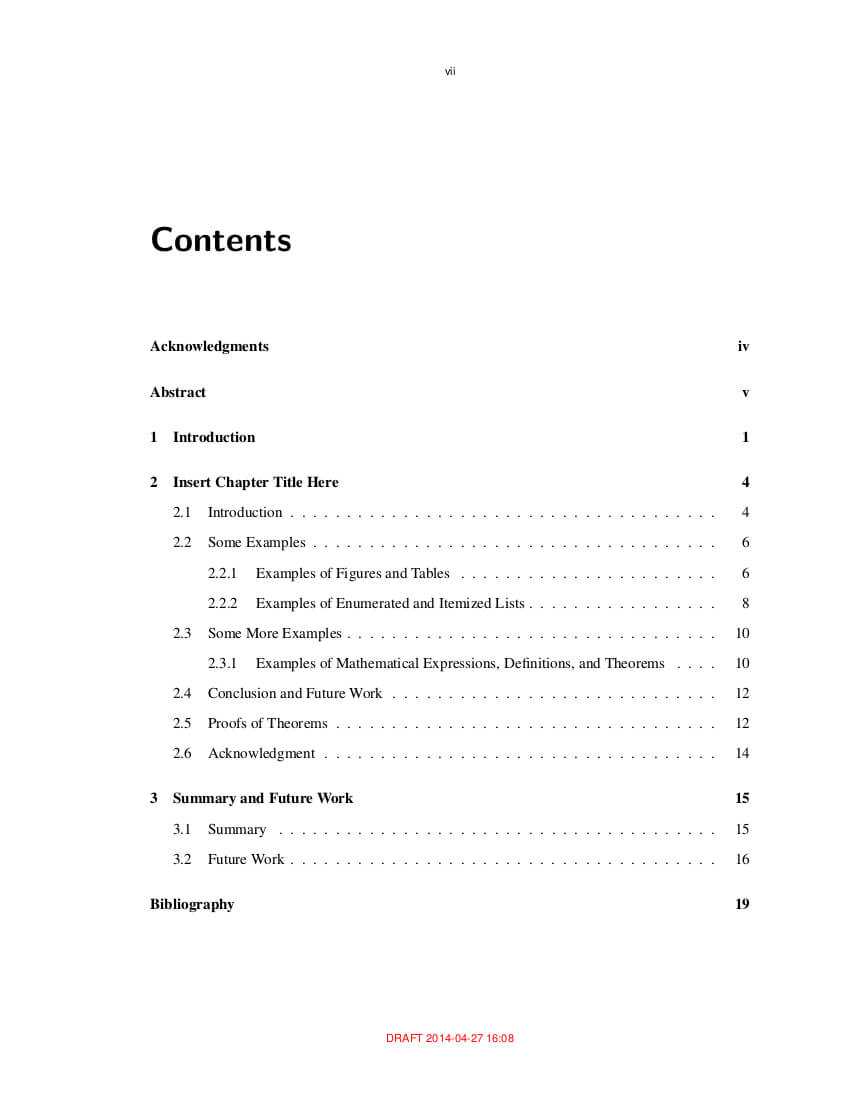
- The structure of the thesis detailed in this template is intended to be a guide only, not a strict blueprint. The chapters and sections used in this template are those typically included in a research thesis; however the nature of the research undertaken may require a variation from this structure and the order of items within chapters may also vary. For example, you may need to use more than one results chapter. The structure of this template reflects the form of the traditional thesis. The traditional thesis structure is designed to show:
- a line of argument across 6 chapters, namely, introduction, literature, design, results, discussion, and conclusions; and
- logical relationships between pairs of these chapters, namely, introduction and conclusions, literature and discussion, and design and results.
- This template is designed to be used in conjunction with the document Thesis Presentation and Management in Word 2010 (hereafter abbreviated to Thesis PAM).
- This template is designed to be used in conjunction with the document Thesis Presentation and Management in Word 2013 (hereafter abbreviated to Thesis PAM).
- This template has been set up for double-sided printing, which is required for your final thesis and is optional for all stages before that. This means it has mirror margins, with odd and even pages. After the title page, at the end of the preliminary pages, and at the end of each chapter, there is an odd page section break. This ensures that the following page will begin as an odd page, on the right hand side, and you do not need to insert blank pages.
- This template has been set up to use automatic numbering of headings. This allows you to use cross-referencing and automatic numbering of figure and table captions with the chapter number included. The headings and other styles used in this template can be modified if desired. For more information, refer to Thesis PAM. If you wish to use APA-style headings (which are not numbered), we have also prepared a Thesis Template APA Headings.
- This template can be used for your confirmation document as well as your final thesis. For your confirmation, use the first 3 chapters only (and see next note on use of verb tenses). You do not need to include the Statement of Original Authorship in your confirmation document.
- APA guidelines regarding the use of verb tenses (American Psychological Association, 2010, Sixth Edition) state that it is important to be consistent in the use of tenses in your document and not to shift the tense within the same paragraph or in adjacent paragraphs. For the literature review chapter, past tense (e.g., “Smith showed”) or present perfect tense (e.g., “researchers have shown”) is appropriate. In the research design chapter, use future tense in your confirmation document (e.g., “This study will use an action research methodology”) but past tense in your final thesis (e.g., “This study used an action research methodology”). In the results chapter, use past tense to describe the results (e.g., “anxiety decreased significantly”) but use the present tense to discuss the results and to present the conclusions (e.g., “the results of Experiment 2 indicate”) (APA, 2010, pp. 65-66). In this template, future tense for the confirmation document, where relevant, has been placed in square brackets.
Download V.1 : Click Here
Download V.2 : Click Here
[ssba-buttons]
Related posts of "Thesis Format Ms Word Pup Template Doc Example Phd – Ms Word Thesis Template"

Full Page Recipe Template For Word
When writing a e ebook from scratch and creating your particular person template, you might end up forgetting to include essential design elements. Educated cookbook template is one factor you must make the most of to verify the whole e ebook is fixed. Every recipe will present within the similar format with a transparent, easy...

March Madness Brackets Designs To Print For Ncaa – Blank March Madness Bracket Template
Congratulations for placing up a profitable event with 32 taking part groups. That’s fairly a prove. Clearly you’re right here for a printable 32-team bracket in your upcoming sports activities event. Our thirty-two workforce printable brackets have been created with 32 event groups in thoughts in addition to single-elimination and 5 full phases of thrilling...

Biology Lab Report Template Awesome Ideas Sample Example – Biology Lab Report Template
When making such a report, it would be virtually impossible to rely on just one explanation for your findings. That is why it’s essential to come up with as many probable and related interpretations as you can. The importance of doing this is that even if your finding doesn’t end up supporting your hypothesis, they...

Template Ideas Free Blank Candy Bar Wrapper Chocolate – Blank Candy Bar Wrapper Template
all clean proceed template fashions that are accessible within the on-line websites and in rumored shops have substantiated themselves as a help for the people from quite a few factors of view. This bodily the scenario, the clean proceed template programming accessible within the shout out are a lot progressively vigorous of their strategies for...